 Aitopkit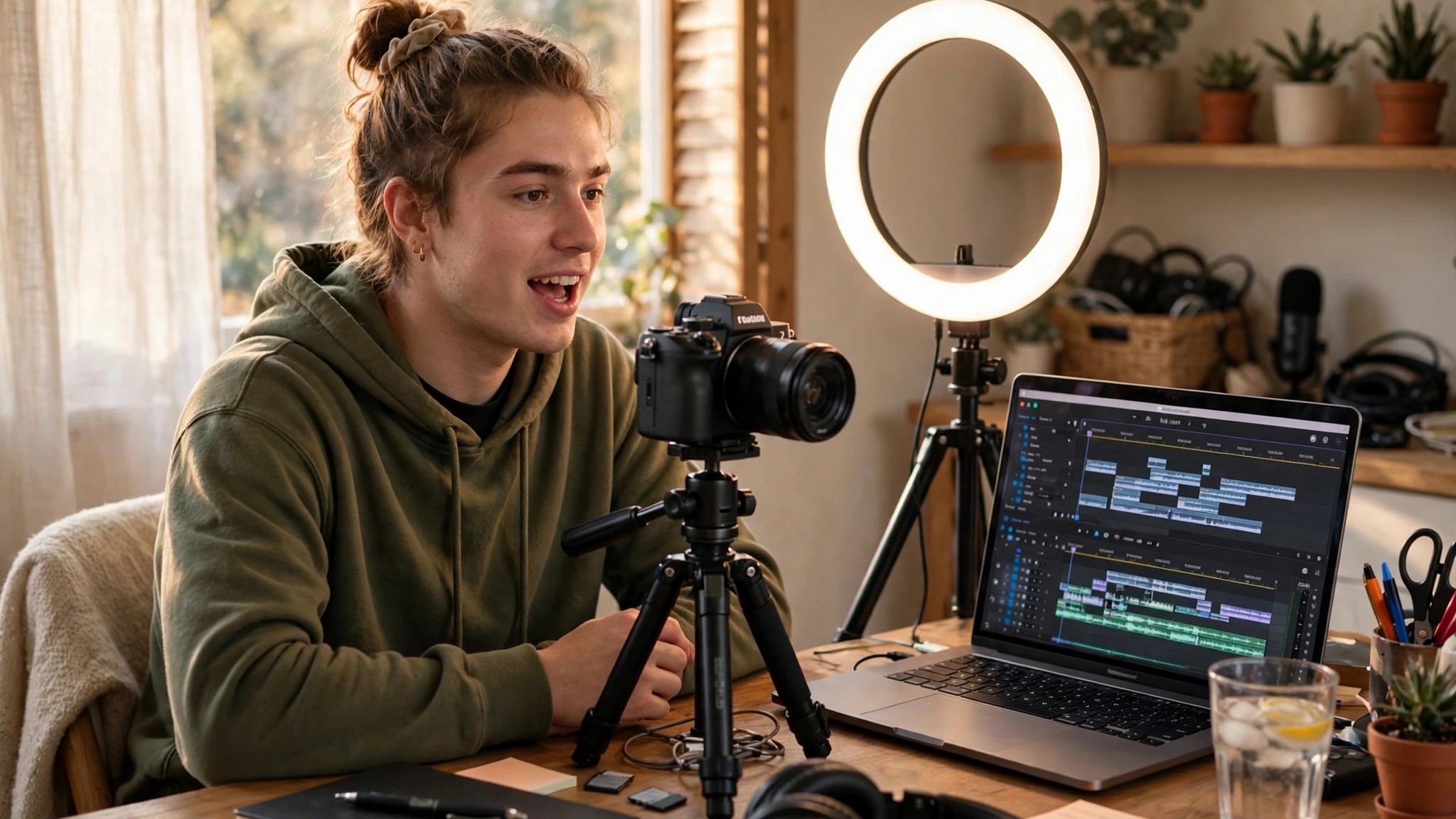
⚡ Quick verdict
- Start with the niche, not the tools. Pick one topic you can talk about for 50 videos, then let AI handle the repetitive parts.
- Your first setup can be free. A phone, a free editor, and free tiers of AI writing and voice tools are enough to publish.
- AI's real job is speed. Scripts, voiceovers, captions, thumbnails and editing drafts — you stay the editor and the voice of the channel.
- Publish weekly for six months before judging. Consistency plus one improvement per video beats any single tool choice.
We may earn a commission if you buy through our links, at no extra cost to you.
Starting a YouTube channel in 2026 is easier than it has ever been — and harder to stand out in, for exactly the same reason. AI tools can now write a script, narrate it, edit the footage, design the thumbnail and suggest the title in an afternoon. That means the barrier is no longer production. The barrier is having something worth saying, and saying it consistently enough that viewers come back.
This guide walks through the whole beginner workflow: choosing a niche, setting up the channel, planning and producing videos with AI help, and growing without burning out. It assumes no audience, no budget, and no editing experience — just a phone or laptop and a topic you care about.
Step 1: Pick a niche you can sustain for 50 videos
Before touching any AI tool, answer three questions. First, can you name 50 video ideas in this niche without struggling? If not, the niche is too narrow or too boring to you. Second, is there an audience already watching this kind of content? Search YouTube for your topic and check whether channels with 10,000–100,000 subscribers exist — that range means the niche is proven but not saturated. Third, can you make this content for a year without hating it? Beginners quit in month two far more often than they fail in month twelve.
Good beginner niches in 2026 include how-to tutorials, tech explainers, study and productivity content, local travel and food, and hobby deep-dives like gardening, fitness or DIY. Faceless formats — narration over screen recordings, slides or stock footage — work well for tutorials and explainers, while vlogs and reviews benefit from showing your face. There is no universally right answer; there is only the format you will actually keep making.
Use an AI chatbot to brainstorm, not to decide. Ask it for 30 video ideas in your niche, then keep the 10 that genuinely excite you and delete the rest. If none excite you, that is useful information — pick a different niche.
Step 2: Set up the channel properly (30 minutes)
Create a Google account for the channel if you want it separate from your personal account, then create the channel in YouTube Studio. Choose a name that is short, easy to spell out loud, and clearly connected to the topic — viewers should guess what you make from the name alone. Avoid numbers, underscores and clever spellings that nobody can remember.
Then fill in the basics before publishing anything: a channel description that says who the channel is for and what they get, a profile picture (an AI image generator or Canva can make a clean logo in minutes), and a banner. Write the description for humans first and search second — one clear sentence about the topic, one about the viewer, and an upload schedule promise you can keep, like "new videos every Saturday."
Finally, turn on two-step verification on the Google account and set up YouTube Studio on your phone. Channel security is boring until the day it saves you.
Step 3: Plan videos with AI, then make them yours
A repeatable video plan beats a brilliant one-off. For each video, follow the same four beats: a hook in the first 15 seconds that states the payoff ("By the end of this video you will know X"), a clear structure of three to five points, one example or demonstration per point, and a short ending that tells viewers what to watch next.
AI helps at every step of that plan. Use a chatbot to turn a rough idea into a structured outline, then rewrite the outline in your own words — this is where your voice comes from, and it is the step beginners most often skip. Use an AI voice generator if you are going faceless or want a consistent narrator; our best AI voice generators roundup compares the leading options. Use AI captions and auto-editing to cut dead air and add subtitles, which most viewers now expect. And always fact-check anything the AI claims: chatbots confidently invent statistics, quotes and "facts," and your channel's credibility is the price of publishing them unchecked.
One honest warning: YouTube's policies around synthetic and reused content change often. Realistic AI-generated footage may need disclosure, and low-effort compilations of other people's content can be demonetized. Original commentary, research or demonstration on top of AI assistance is the safe, sustainable lane — check the official YouTube policy pages before you build a format around AI output alone.
Step 4: Edit fast, thumbnail first
Editing is where most beginners stall, so keep the workflow brutally simple. Cut the video into the planned structure, remove pauses and mistakes, add captions, and add simple B-roll or screen recordings where the viewer needs to see something. A free editor like CapCut or DaVinci Resolve covers all of this; paid AI editors mostly save time on captions and auto-cuts rather than changing the result. Aim for your first edits to take under two hours. Speed comes from the plan, not the software.
Then design the thumbnail before you upload, not after. The thumbnail and title together decide whether anyone clicks at all — a great video with a weak thumbnail is invisible. Use one clear subject, three or fewer words in large type, and high contrast. Canva's free tier and AI image tools both work; test two thumbnail ideas by asking friends which one they would click, and believe their answer over your own taste.
For titles, write ten options and pick the one that makes a specific promise: "How I planned 30 videos in one day" beats "My YouTube journey." Specificity is the whole game.
At a glance: the AI toolkit for a new channel
ChatGPT
- Job on your channel
- Ideas, outlines, script drafts, titles
- Free tier
- Yes — generous free plan
- Watch out for
- Invented facts — verify every claim before recording
CapCut
- Job on your channel
- Editing, auto-captions, templates
- Free tier
- Yes — free plan with core editing
- Watch out for
- Some effects and exports sit behind paid plans
Canva
- Job on your channel
- Thumbnails, channel art, logo
- Free tier
- Yes — free plan covers thumbnails
- Watch out for
- Overused templates look generic — customize fonts and colors
ElevenLabs
- Job on your channel
- AI voiceover for faceless videos
- Free tier
- Yes — monthly credit allowance
- Watch out for
- Credit-based pricing gets expensive for long videos
vidIQ / TubeBuddy
- Job on your channel
- Keyword research, title and tag ideas
- Free tier
- Yes — limited free plans
- Watch out for
- Scores are estimates, not guarantees — trust your judgment
Pricing changes often — treat every free-tier note as a snapshot and check the official site before paying.
Step 5: Publish, then improve one thing per video
Upload from YouTube Studio, not from a third-party tool, while you are learning. Write a description that summarizes the video in two sentences and includes the main topic phrase naturally, add a handful of relevant tags, and pick a category that matches the content. End screens pointing to your next video cost two minutes to set up and compound over time.
After publishing, look at exactly two numbers for the first week: click-through rate on the thumbnail and average view duration. If clicks are low, the thumbnail or title missed. If viewers leave early, the hook or pacing missed. Fix one of those in the next video — not both, not everything. Channels grow on this loop: publish, read two numbers, fix one thing, repeat.
Ignore subscriber count for the first months. It is a lagging indicator, and watching it daily is how beginners quit. Watch the two numbers that tell you what to fix instead.
Step 6: Grow without burning out
The most common beginner mistake is not bad content — it is an unsustainable schedule. One video per week, planned in a batch, is a better promise than three videos a week for a month followed by silence. Batch your work: one day for ideas and outlines, one day for recording, one day for editing, and one day for thumbnails and upload. AI tools compress each of those days, but they do not remove the need to sit down and do them.
Repurpose each video once: cut a 30–60 second Short from its strongest moment, and post it a few days after the main video. Shorts are a discovery engine in 2026, and one good clip can send new viewers to the full video. Do not build the channel on Shorts alone, though — long videos are still where watch time, trust and revenue come from.
Finally, protect the asset. Back up your scripts, project files and thumbnails outside the editing app, keep your Google account secured, and never buy subscribers or views — fake engagement teaches YouTube's system to show your videos to the wrong people, and it is hard to undo.
The honest verdict
AI has removed almost every technical excuse for not starting a YouTube channel. What it has not removed is the actual work: picking a niche, publishing every week, reading the numbers honestly, and getting a little better each time. If you can commit to that loop for six months, the tools in this guide will make you faster at every step. If you cannot, no tool will save the channel — and that is a kinder truth to hear on day one than on day ninety. Start this week, publish the imperfect first video, and let video number ten be the one you are proud of.
Frequently asked questions
Can I start a YouTube channel using only AI tools?
Yes, you can handle scripting, voiceover, editing and thumbnails with AI tools, but the channel still needs your ideas, taste and consistency. AI speeds up production; it does not replace a point of view. Channels that only repost generic AI output struggle to stand out.
Do I need expensive equipment to start a YouTube channel in 2026?
No. A modern smartphone, decent lighting from a window or a cheap ring light, and a quiet room are enough for your first videos. Many successful channels started on a phone. Upgrade your microphone before your camera — bad audio loses viewers faster than imperfect video.
Is AI-generated content allowed on YouTube?
Yes, but YouTube requires creators to disclose realistic altered or synthetic content in some cases, and reused or low-effort content can be demonetized. Add real value — original commentary, research, or a personal angle — and follow YouTube's current policies, which change often, so check the official Creator Academy and policy pages.
How long does it take to grow a new YouTube channel?
Most new channels take months of consistent publishing before they see real traction. A realistic plan is one video per week for at least six months, improving one thing each time — hook, pacing, thumbnail, or title. Viral shortcuts are rare; steady improvement is the normal path.
Should I show my face on my YouTube channel?
Showing your face builds trust and makes your channel harder to copy, but faceless channels work well for tutorials, explainers, finance, and narration formats. AI voiceovers and stock or generated visuals can carry a faceless channel. Pick the format you can sustain for a year, not the one that looks easiest this week.
How much does it cost to start a YouTube channel with AI?
You can start for free: a YouTube account costs nothing, and most AI tools offer free tiers for scripting, editing and thumbnails. A realistic starter budget is $0–$30 a month for one or two paid tools once you know which ones you actually use. Pricing changes often — check the official site before paying.